Compass app icon

Compass

iPhone · iPad

Find your way back — even with no signal. Compass is an offline compass and GPS that records your trail and points a clear arrow back to your start, finds your parked car, and keeps your waypoints. No account needed.

Coming soon to the App Store
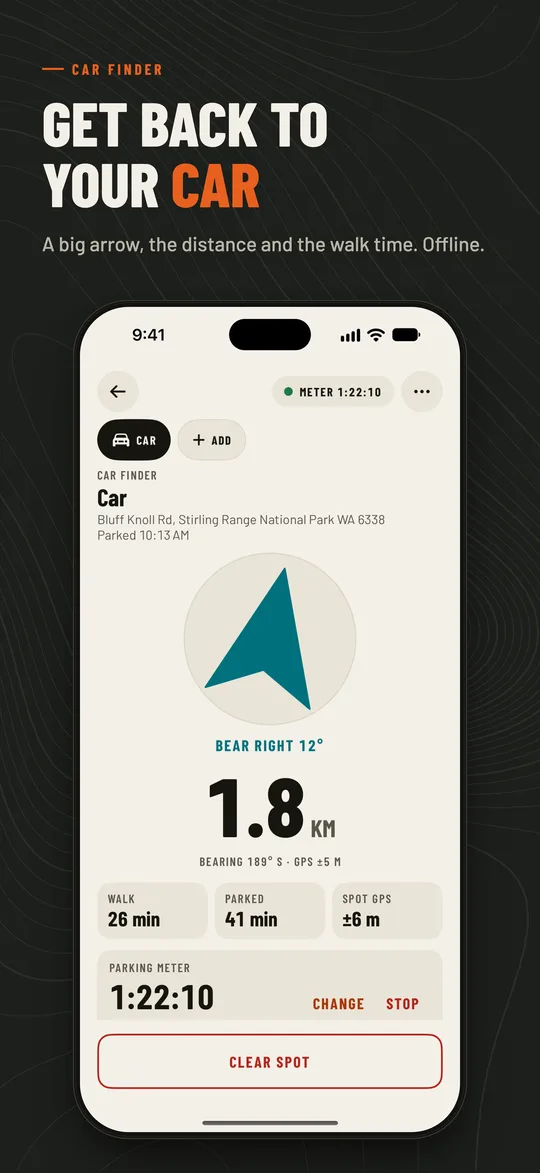
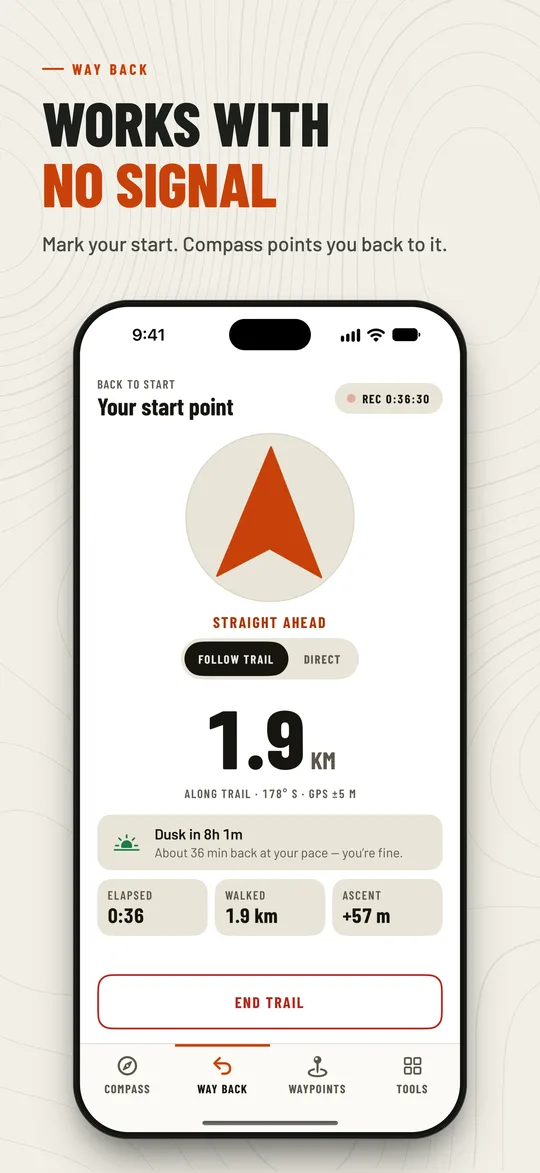
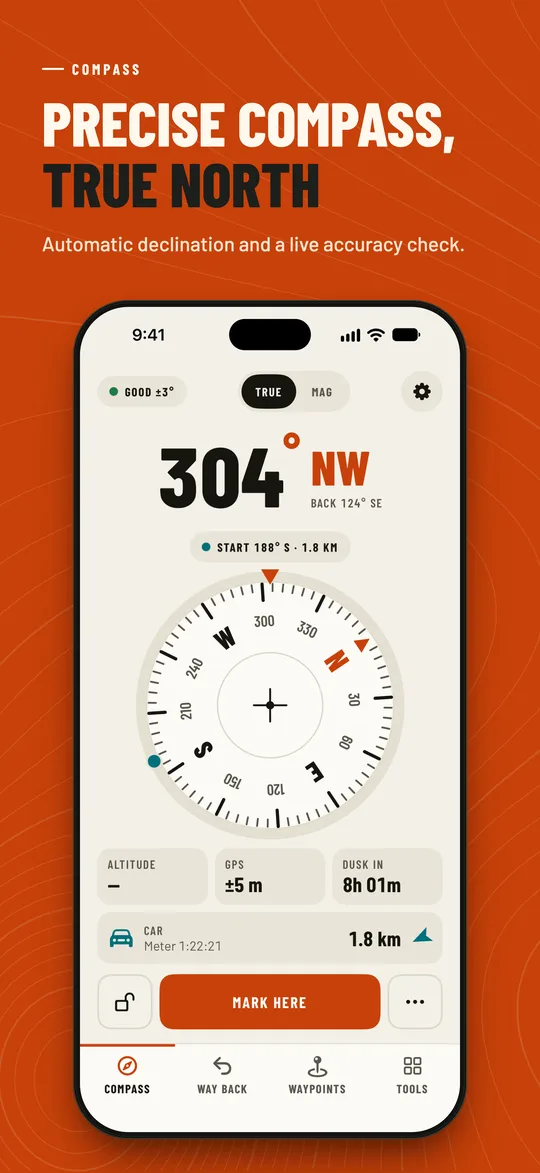
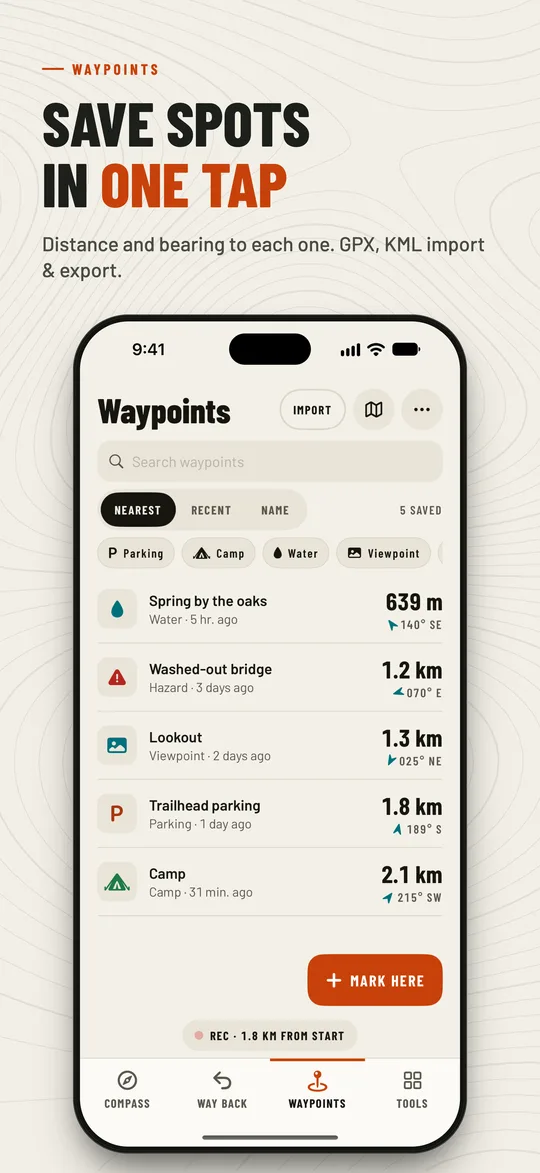
Car Finder: arrow and walking time back to your car Way Back: arrow back to your start point Compass with true north Waypoints list

Everything you need outdoors

Way Back

  • Mark your start in one tap: trailhead, car or campsite
  • Keeps recording in your pocket with the screen off
  • Big arrow, distance and bearing back to your start
  • “Dusk in 1h 12m” — know if there’s time before dark
  • Park or head back from Siri, Shortcuts or a Home Screen quick action

Car Finder

  • “Park here” in one tap, then an arrow and walking time back
  • Optional street address when online; works offline without it
  • Pro: meter reminders, photo & note, several vehicles, history, widget

Precision compass

  • True and magnetic north with automatic declination
  • A live accuracy check so you know when to trust it
  • Five dial styles and a night red mode

Waypoints

  • Save places with names, icons and notes
  • Navigate to any of them with distance and bearing
  • Import & export GPX, KML, JSON and CSV; DD, DMS, UTM and MGRS

Sun & Moon

  • Sunrise, sunset, golden and blue hour
  • Moon phase, illumination and position
  • The next 7 days at a glance

Outdoor toolkit

  • Bubble level and clinometer
  • Speed, trip distance and altitude
  • Sighting, coordinate converter and an SOS location card

Compass is free to download. Compass Pro adds trail GPX export and the Car Finder extras — meter reminders, a photo and note of the spot, several vehicles, parking history and a Home Screen widget — yearly with a free trial, monthly, or a one-time lifetime purchase. Subscriptions renew automatically until cancelled in your Apple Account settings; see the Terms of Use (EULA).

Support

Does Compass work without a signal?

Yes. The compass, Way Back, Car Finder, waypoints and the toolkit work fully offline. Map tiles and street addresses need a connection.

Restore Compass Pro

Pro is tied to your Apple Account account. Open Settings → Compass Pro and tap Restore purchases, signed in with the same account you bought it with.

Move to a new device

Use Settings → Backup & restore to save a .compassbackup file with your waypoints, trails, parking spots and photos, then restore it on the new device — Android or iPhone.

Your privacy

No account, no cloud: your places and trails stay on your device. Analytics follows your choice in the consent form where one is shown; change it in Settings → Privacy options. Delete everything by deleting the app.

Contact us

Questions, bugs or ideas: [email protected]. We usually reply within two business days.