
Compass
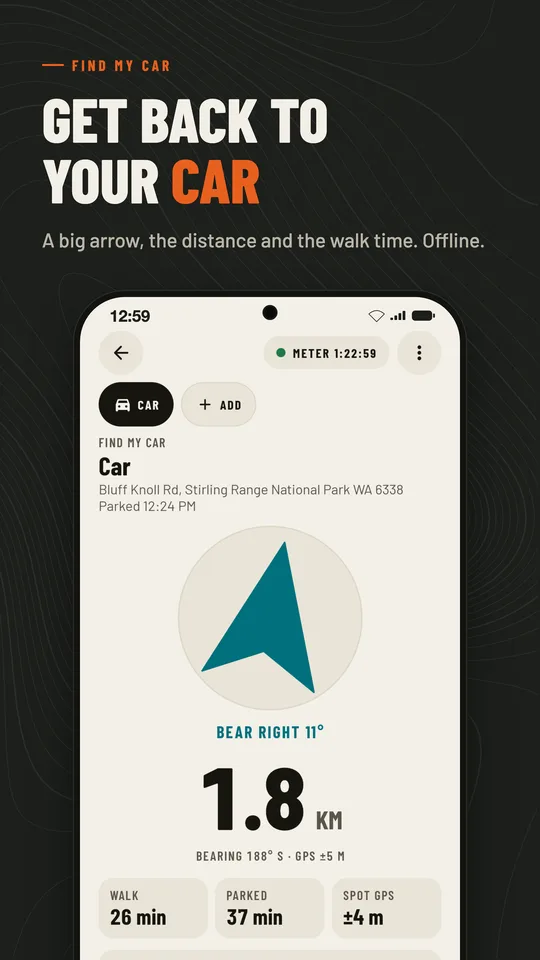
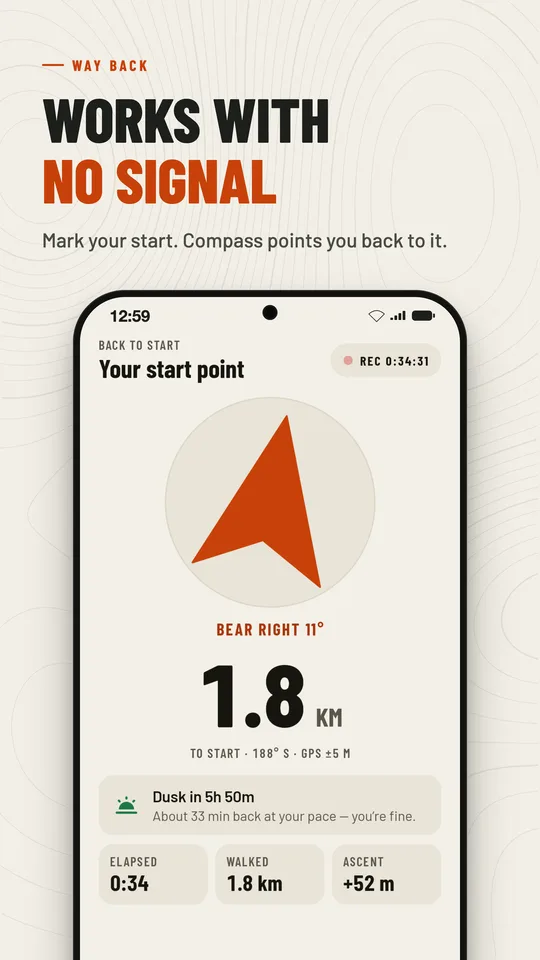
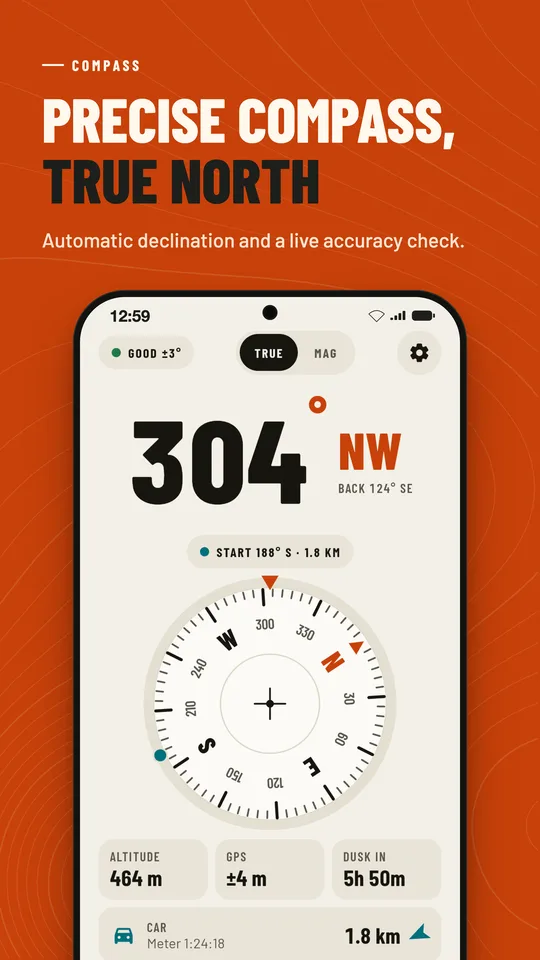
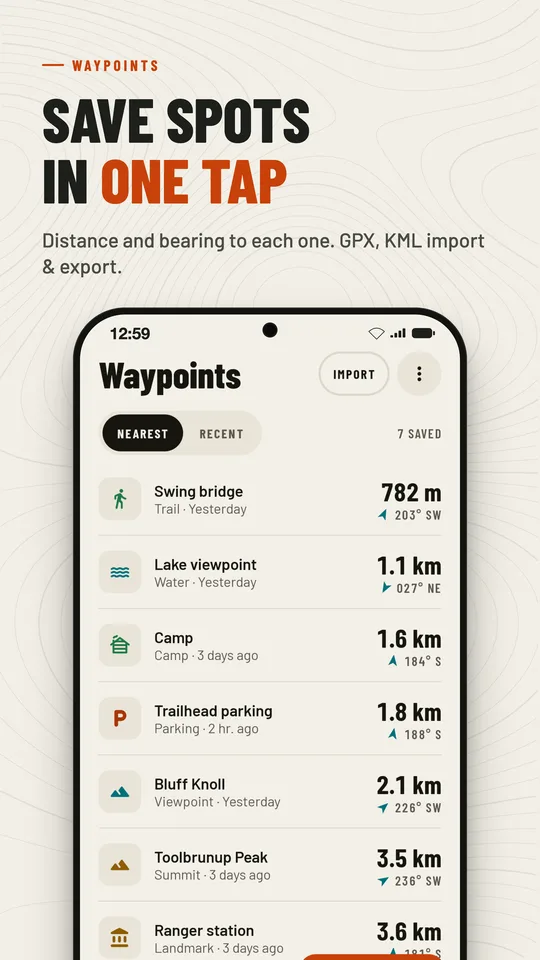
AndroidFind your way back — even with no signal. Compass is an offline compass and GPS that records your trail and points a clear arrow back to your start, finds your parked car, and keeps your waypoints. No account needed.

Find your way back — even with no signal. Compass is an offline compass and GPS that records your trail and points a clear arrow back to your start, finds your parked car, and keeps your waypoints. No account needed.
Compass is free with a small banner ad. Compass Pro removes ads and adds trail GPX export and the Find My Car extras — yearly with a free trial, monthly, or a one-time lifetime purchase on Google Play.
Yes. The compass, Way Back, Find My Car, waypoints and the toolkit work fully offline. Map tiles, street addresses and ads need a connection.
Pro is tied to your Google Play account. Open Settings → Compass Pro and tap Restore purchases, signed in with the same account you bought it with.
Use Settings → Backup & restore to save a .compassbackup file with your waypoints, trails, parking spots and photos, then restore it on the new device — Android or iPhone.
No account, no cloud: your places and trails stay on your device. Ads and analytics follow your choice in Settings → Privacy options where it applies. Delete everything by clearing the app’s storage or uninstalling it.
Questions, bugs or ideas: [email protected]. We usually reply within two business days.